
Double Sided Badges
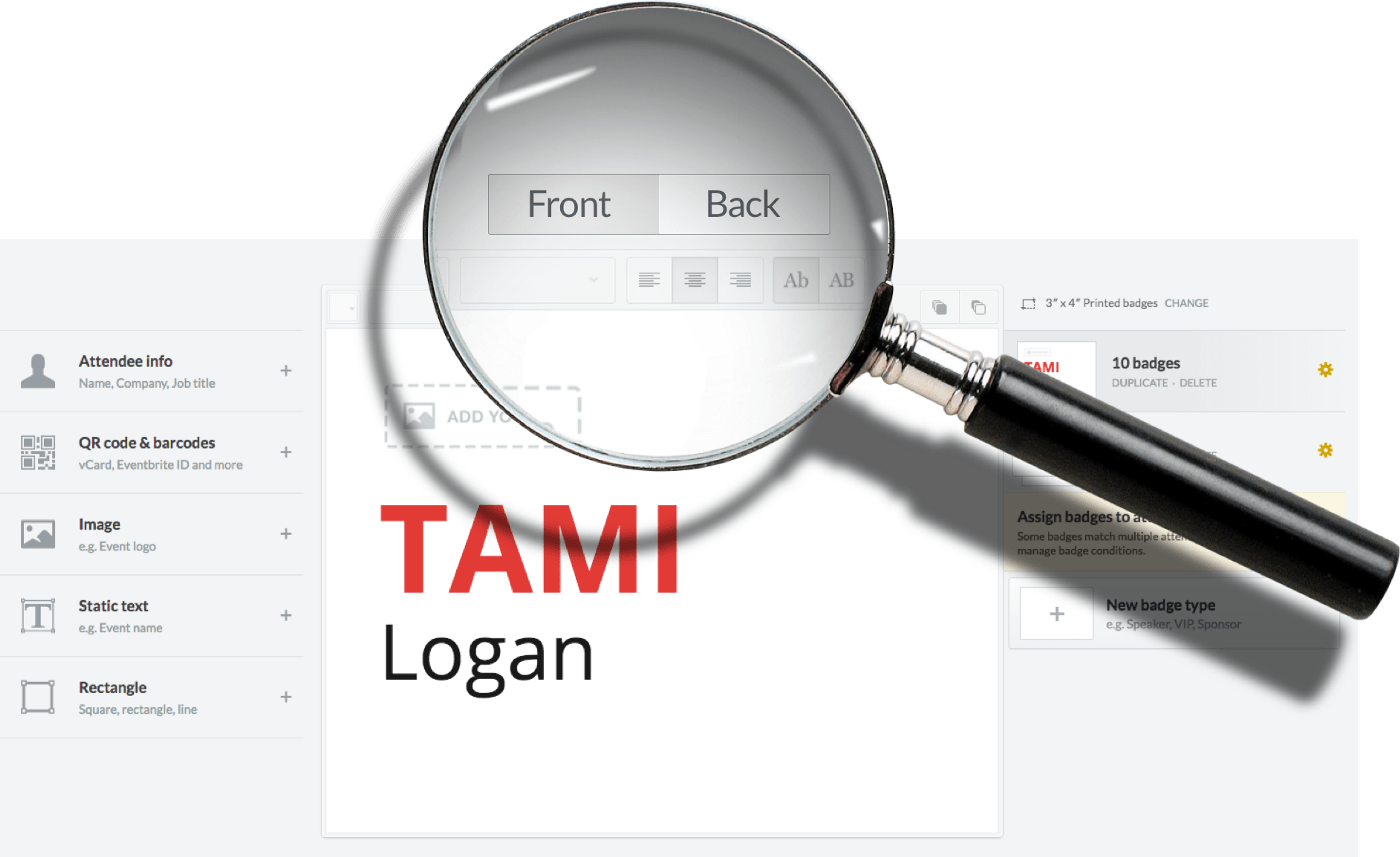
We listen to you dear customers! Our badge editor just got more powerful, you can now edit both sides of the badge. And pricing doesn't change! Unlike other companies, we don't charge extra for double-sided badges.
It works pretty much the same way, there’s just one essential difference: the front/back toggle on top of the toolbar.
When you switch to Back you will see a message that says Click here to create a back design different from the front.
(Don’t click it in case you want the same design on both sides)
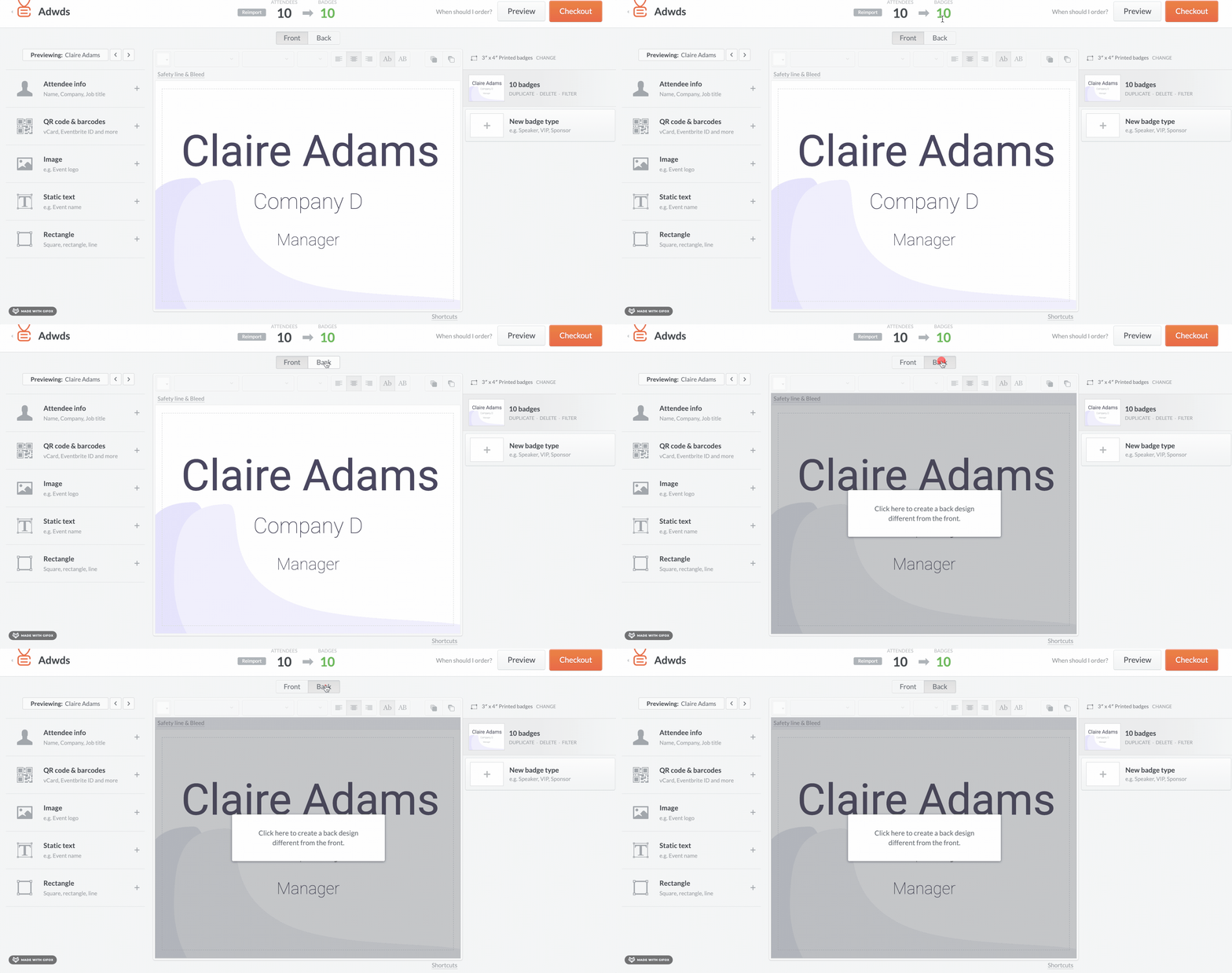
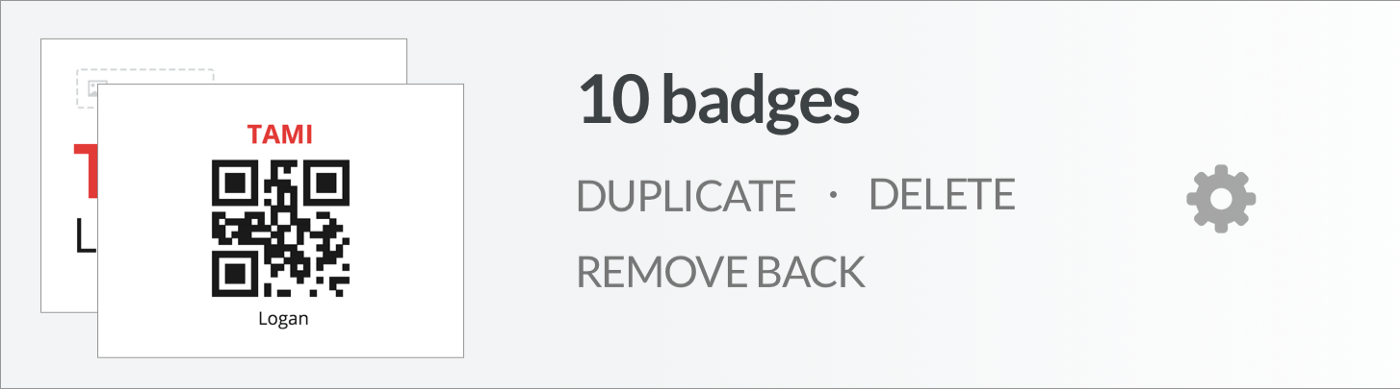
Once you’ve clicked it you will have two independent editors, front and back.
You know you have different design because you will see a small preview of both sides.
There are lots of things that can be done, here are just a few examples:
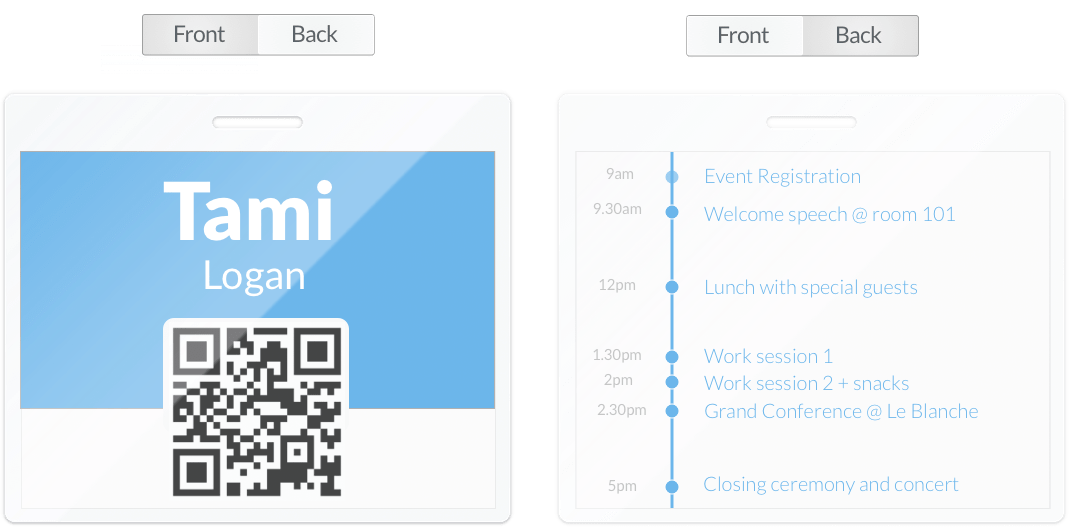
Dynamic data on the front, static image (eg. schedule) on the back.
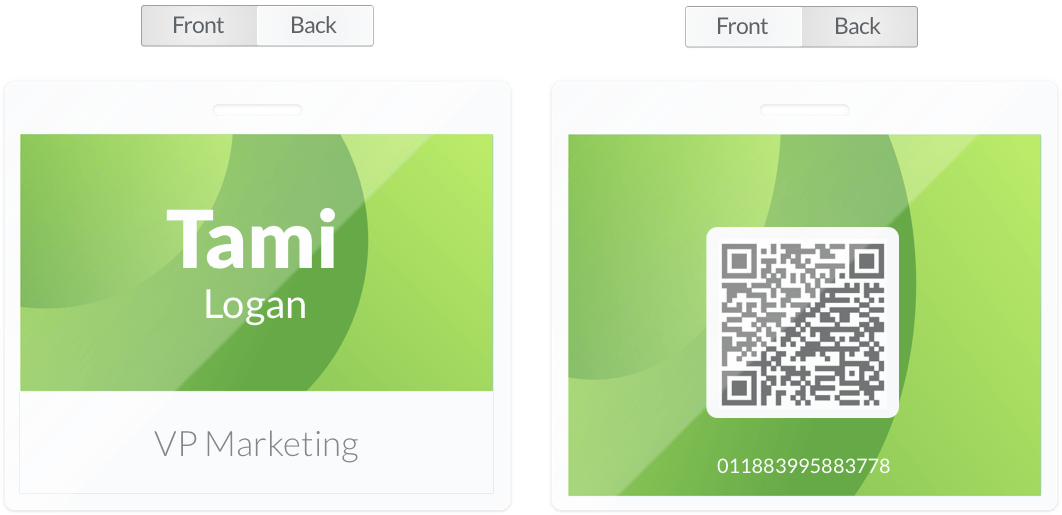
Dynamic data on front, static text on back.
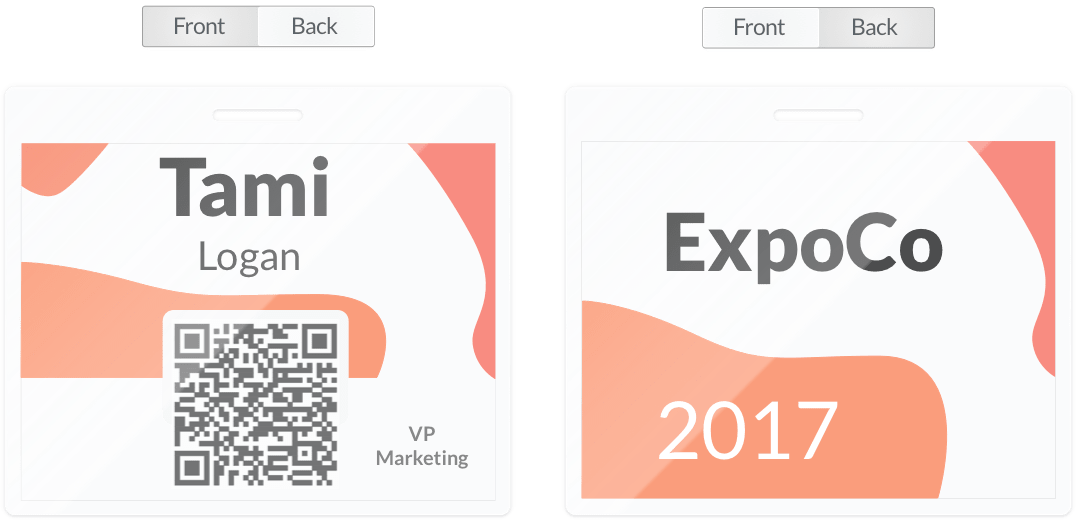
Dynamic data on front, static text on back.
This great feature is live and ready for you to try it out. It goes without saying that it works for both PDF and Printed Badges.
We can’t wait to see the beautiful designs you’ll create with it.